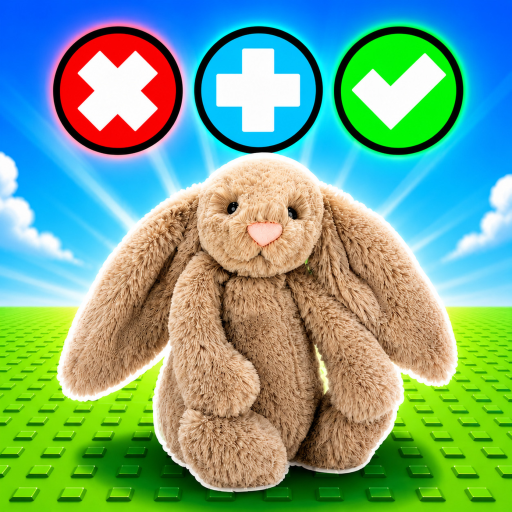
TradeAJellycat
Wiki hub

Trade A Jellycat! Wiki

Use this independent hub for trading, collection, crates, rarity, codes, updates, and exact target identity.

Independent and unofficial

Knowledge hub for place 84814013871277

This independent Trade A Jellycat wiki covers the exact Roblox target and keeps unverified facts visibly unavailable. It is not an official creator wiki.

Independent wiki hub with visible unofficial disclosure, exact target identity, task routes, and a link to official-wiki status.

Task routes

Trading, values, collection, crates, codes and updates

Open the Trade Checker, Values status, Collection shelf, Crates status, Codes status, or Updates page. The Trello, Discord & Wiki status page records whether an external official wiki exists.

Quick answer

Use the wiki to find the exact Trade A Jellycat task route

Start with trading, collection, crates, rarity, codes, or updates, then move to the focused player page for the decision.

The wiki is the navigation hub for target-game facts: trading-board steps, plush-crate boundaries, relative rarity, values status, collection planning, updates, and code status.

If a topic affects a player-to-player offer or collection goal, use the linked practical page before confirming the choice in-game.

Core systems

Start with the topic family that matches the job

A useful wiki hub should move players toward a decision, not leave them in a directory.

Items and rewards

Start here for the known collectible boundary, plush-crate purpose, code status, and player-created collection labels.

Maps and systems

Use this path for the verified two-player trading-board flow, plush-crate mechanic, outcomes, and unknown details.

Collection decisions

Use this path for collection goals, duplicate status, trade preferences, values status, and ranking-readiness questions.

Player routes

Common next moves

  • Need a code reward? Check the dated Codes status before trying any posted string.
  • Need to choose a plush for a collection goal? Use Collection, values status, and the Trade Checker before confirming.
  • Need to understand a mechanic? Check the trading-board or crate notes, then review the dated Updates page.
FAQ

Wiki questions

What is the Trade A Jellycat! wiki for?

It helps players find the right trading, collection, crate, rarity, code, update, or tool page for their next in-game decision.

Should every topic become a separate wiki page?

No. A topic should become its own page only when players search it directly and the page can answer the task with useful details.

Where should I go after this wiki hub?

Use the topic pages below, then jump to codes, guides, tier list, updates, or tools based on what you are trying to do.

Wiki topic pages

Open the topic that matches your task

Each topic page should answer a concrete lookup and then send players to the next guide, tool, tier note, code page, or update check.

Next actions

Use the fastest page for the decision

The cards below connect broad wiki lookups to the player task pages that usually solve the problem faster.